

Every hire ready on day one. Every leaver closed on the last.
One entry in your HRIS and everything else follows. The laptop arrives configured, the access is granted, the apps are installed. On the last day, it all closes. Nobody to chase, no IT skills needed.

Trusted by the most ambitious IT teams around the world.











Your HRIS is where everything starts.
Primo connects to the HR tool you already use and turns every arrival, role change or departure into a complete IT setup. From there, you order equipment, check a delivery or confirm a departure is closed in one place, without opening a ticket or learning a new system.
Day one, done. Last day, closed.
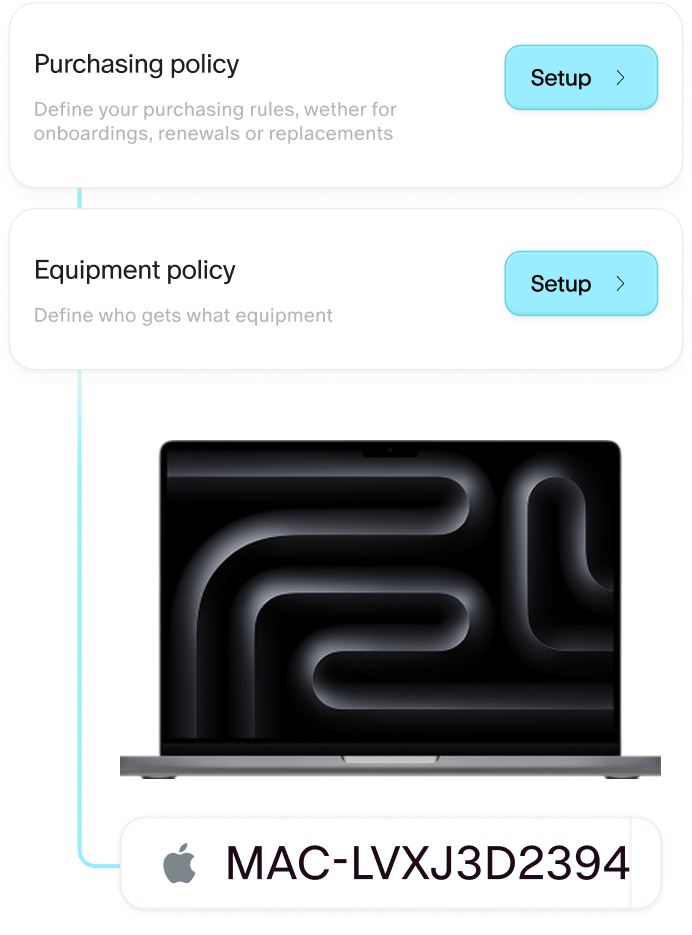
The moment a hire is created in your HRIS, the onboarding agent orders the laptop, prepares it for the role, opens the accounts and grants the right apps. The new hire sits down to a working setup and gets walked through it in Slack. When a departure is recorded, the offboarding agent revokes every access, locks the device, sends the prepaid return label and releases the paid seats. No ex-employee still sitting in your Google Drive six months later.
Equipment ordered and delivered, anywhere
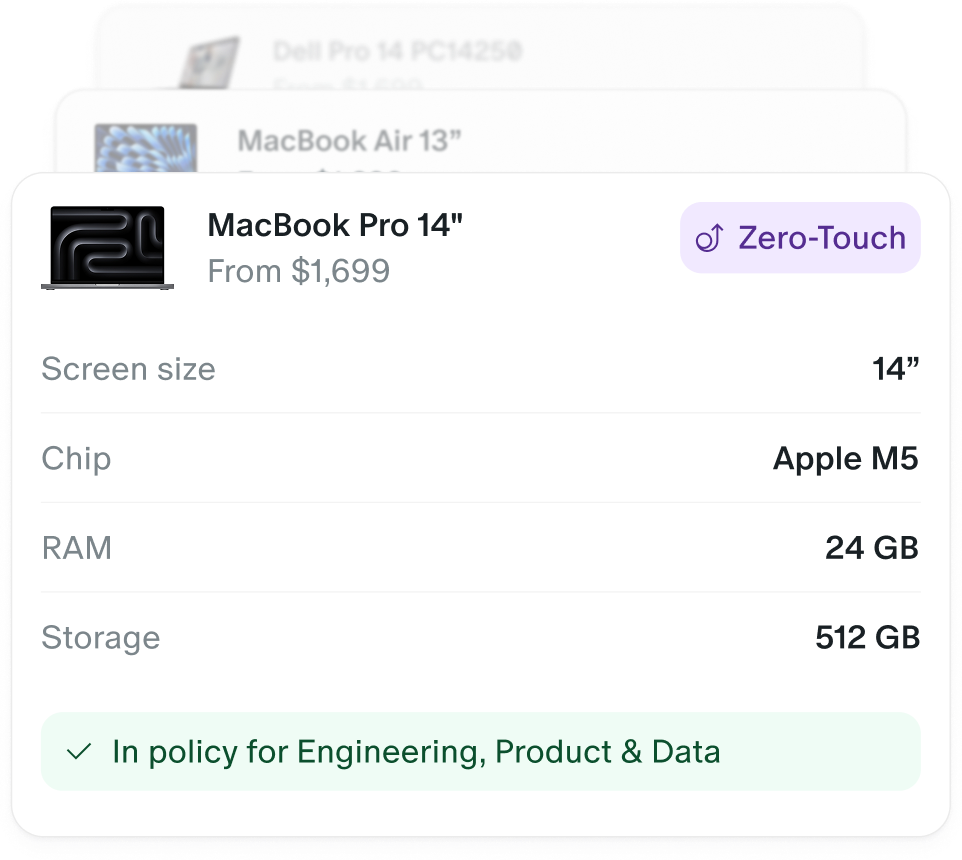
Laptops, screens, keyboards, headsets : the purchasing agent picks the right model for the job profile from your catalog, orders it within the budget set by IT, and ships it to the employee's address, home office or abroad. Tracking comes back to you, not a quote by email.
No double entry, ever
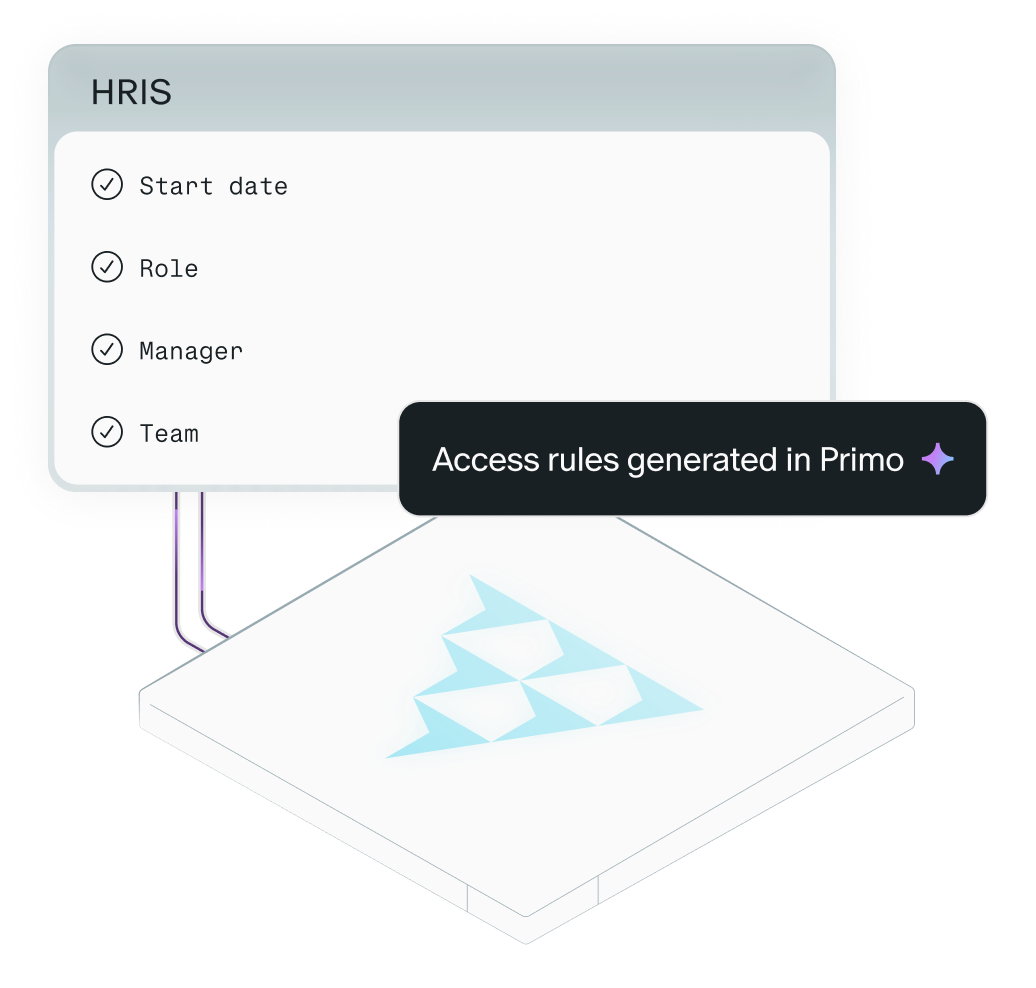
Your HRIS stays the single source of truth. Start date, role, manager, office, end date : Primo reads them and acts on them. Contractors get time-boxed access that revokes itself on the end date. Nothing retyped, nothing forgotten between two tools.
HR that never waits on IT.
A first day that makes an impression
A configured laptop on the desk, access that already works, a welcome in Slack that answers the small questions. Your onboarding plan starts on day one, not on day three.
Who has what, in one question
"Does Monday's hire have her laptop yet?", "Which devices does the Sales team have?", "Is Tom's offboarding fully closed?" Ask in plain language, get the answer from live data. No spreadsheet, no message to IT.
Ready out of the box
The laptop ships straight to the employee and configures itself at first sign-in : apps, security, accounts. Nobody unboxes it in the office first, nobody walks the new hire through a setup.
What changes when the run runs itself
Before Primo
After Primo
Every hire triggers a chain of messages to IT
Every hire triggers an automated IT chain from the HRIS
Day one depends on how fast IT responds
Day one setup ready before the new hire logs in
Offboarding checklists chased across teams
Offboarding runs itself the day the leaver's status changes
Equipment ordered by email, delivered blank
Equipment ordered from a catalog, delivered configured, anywhere
Device inventory tracked in a spreadsheet
Every device tied to a person, in real time

Already connected to your HRIS
Primo reads the HR tool you already run. No migration, no new system for your team
Google Workspace, Okta, Entra. Access flows from your identity source of truth, both ways.
60+ providers.
Every hire, role change or departure triggers the right IT action.
EDR and compliance tools connected.
Signals and evidence on the same audit trail.
Build to run IT operations of the whole company

Primo for IT Teams
An IT foundation that stays compliant and scales with the company, visible in one question.
Primo for CTOs
An IT foundation that runs with the company: compliance as a state, every answer in one question.
FAQ
No minimum for companies under 100 employees. Primo scales with you whether you have 5 or 500 devices.
Primo is MSP-friendly. Our partners use it to streamline onboarding and manage multiple clients efficiently.
Primo integrates with over 60 HRIS platforms. Check our integrations page or contact us if yours isn’t listed yet.
Yes, most of our customers come from other tools. We guide you through a smooth and secure migration process.
Primo supports role-based collaboration between IT, HR, and managers, and even more granular custom roles.
Our team helps you get started fast, with onboarding and migrations completed in just a few days.
Primo supports multi-tenant setups, ideal for large groups or external partners managing multiple entities.
Security is core to Primo: we’re proud to be SOC 2 Type II compliant to ensure your data stays protected.
We can offer discounts for annual billing and large deployments: let’s chat to find the best fit for you.
Primo helps you secure personal laptops (BYOD) in just a few clicks, with easy enrollment and 1-click disenrollment if needed.
Primo goes further by unifying and automating workflows across platforms, with full visibility and security in one place.

Secure by design
Independently audited, encrypted by default, and built to meet the standards your auditors ask about.
Detailed audit logs
See who did what, when, and from where.
Multi-factor authentication
SSO and password policies enforced by default, for every account.
Compliance
SOC 2 Type II & GDPR compliant, with your data hosted in France.
Get IT together
Meet an IT expert
Discover Primo in 2 minutes
Take a tour of our solution in a demo video